Your documents
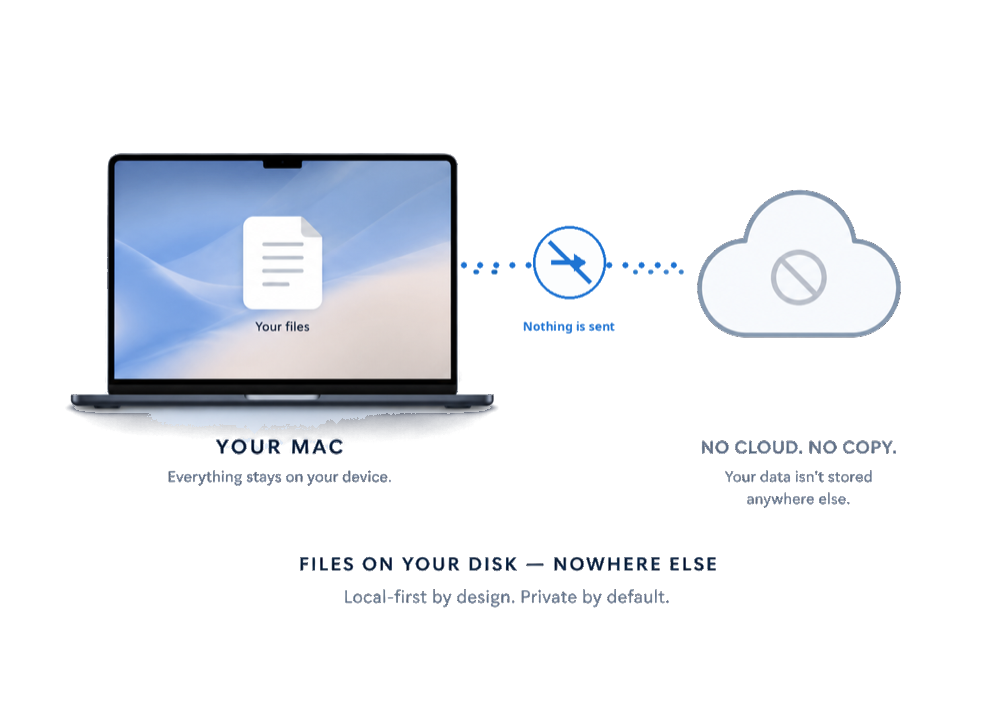
Documents live in files on your own disk. Skywriter does not upload them, does not sync them, and does not keep a copy of them anywhere. Crash-recovery snapshots and recent-file lists are written to your own machine as well.
AI
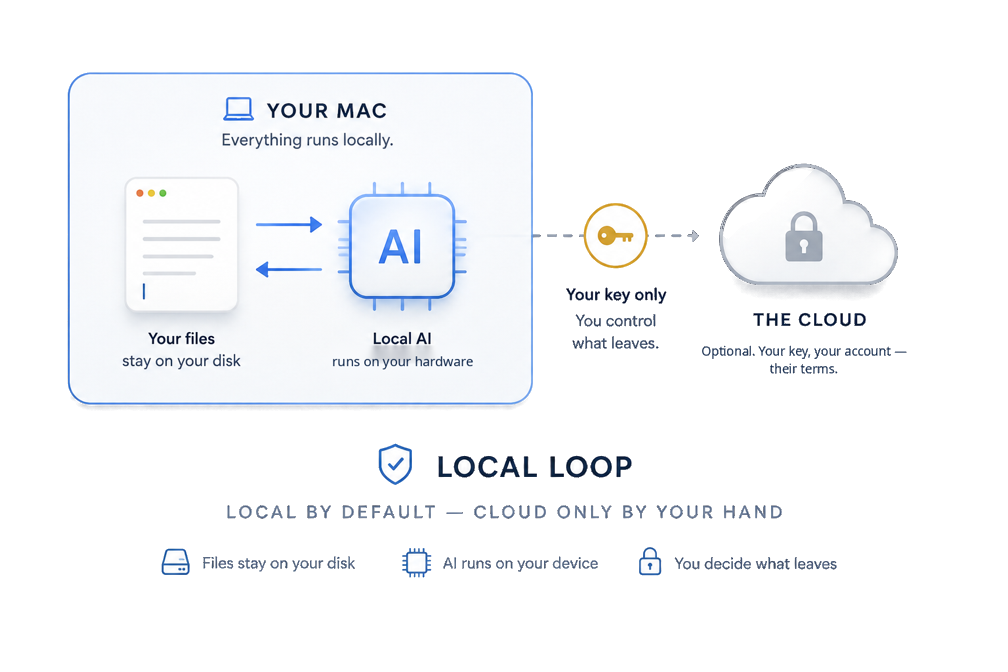
The default model runs locally, on your hardware, through Ollama. Requests to a local model do not leave the machine.
Cloud AI works only with a credential you set up yourself, and there are two ways to do that: supply your own API key for a provider, or deliberately sign in with your ChatGPT account from the AI settings. Either way the durable credential is stored in your operating system’s keychain, and what you send is processed under your own account with that provider — a ChatGPT sign-in is billed to your ChatGPT plan. Until you set one of these up, there is no cloud provider for Skywriter to send anything to.
When a request would go to a cloud provider you have configured, Skywriter runs a best-effort scan of what would be sent and either warns you or keeps the request local when it detects client-identifying details. The scan is best effort, not a guarantee: it can miss things, and when it warns you, you can still choose to send. Requests that the scan finds nothing in are sent to the provider you configured without a further prompt — the decision you made when you configured the provider is the decision that stands.
Whatever you send to a cloud provider is handled by that provider under their own terms, not ours.
Accounts and licensing
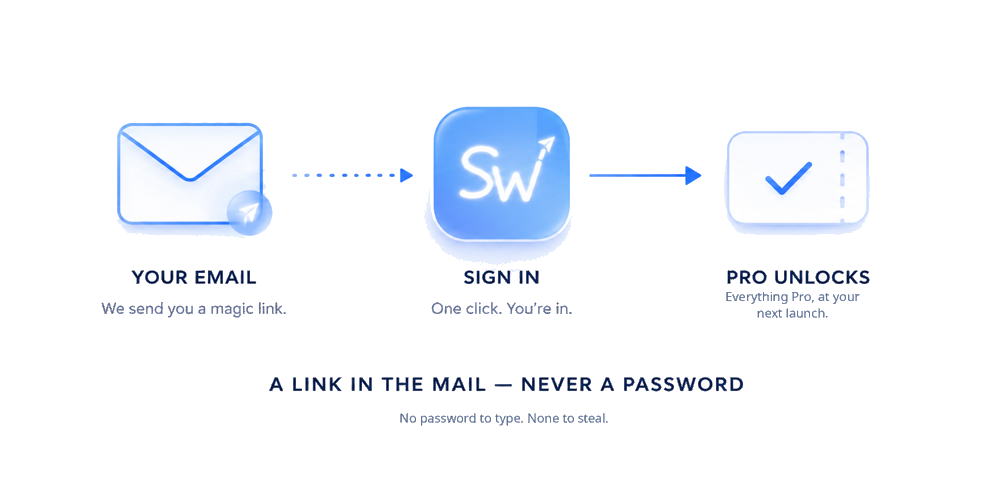
An account is needed only to subscribe. Signing in uses your email address: we send a sign-in link to it.
Skywriter refreshes its license periodically so it knows which tier to run in. A license refresh sends your signed-in account credential together with this installation’s identifier (a random identifier created on this machine), the device name, the platform, and the app version. It never sends document content.
Payments
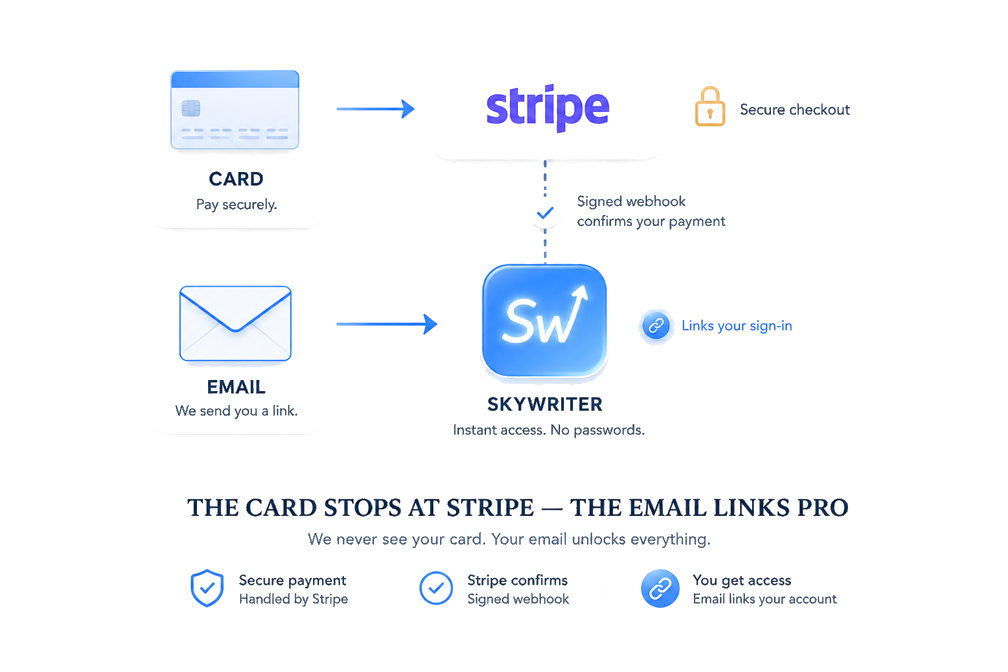
Subscriptions are processed by Stripe. Card details go to Stripe, not to us; we never see or store them.
Buying on this site, Stripe notifies the server when checkout completes. That notification carries what Stripe’s page collected; Skywriter keeps the email address — that is how the subscription is linked to the account you later sign in with — and Stripe’s own billing identifiers. Nothing else from it is stored.
This website
This site loads nothing from anyone else — no fonts, no scripts, no embedded content — and it sets no cookies and runs no analytics. The server logs the request method, the path, the response status, and how long the response took. It does not log query strings or request headers.
cookies. Nothing is set, nothing is read back.
analytics. Your visit is a log line, not a profile.
third-party requests. Every byte on this page came from this server.
Questions
Write to support@getskywriter.com.